Brave Astronaut Cursor

Brave Astronaut cursor cursor pack
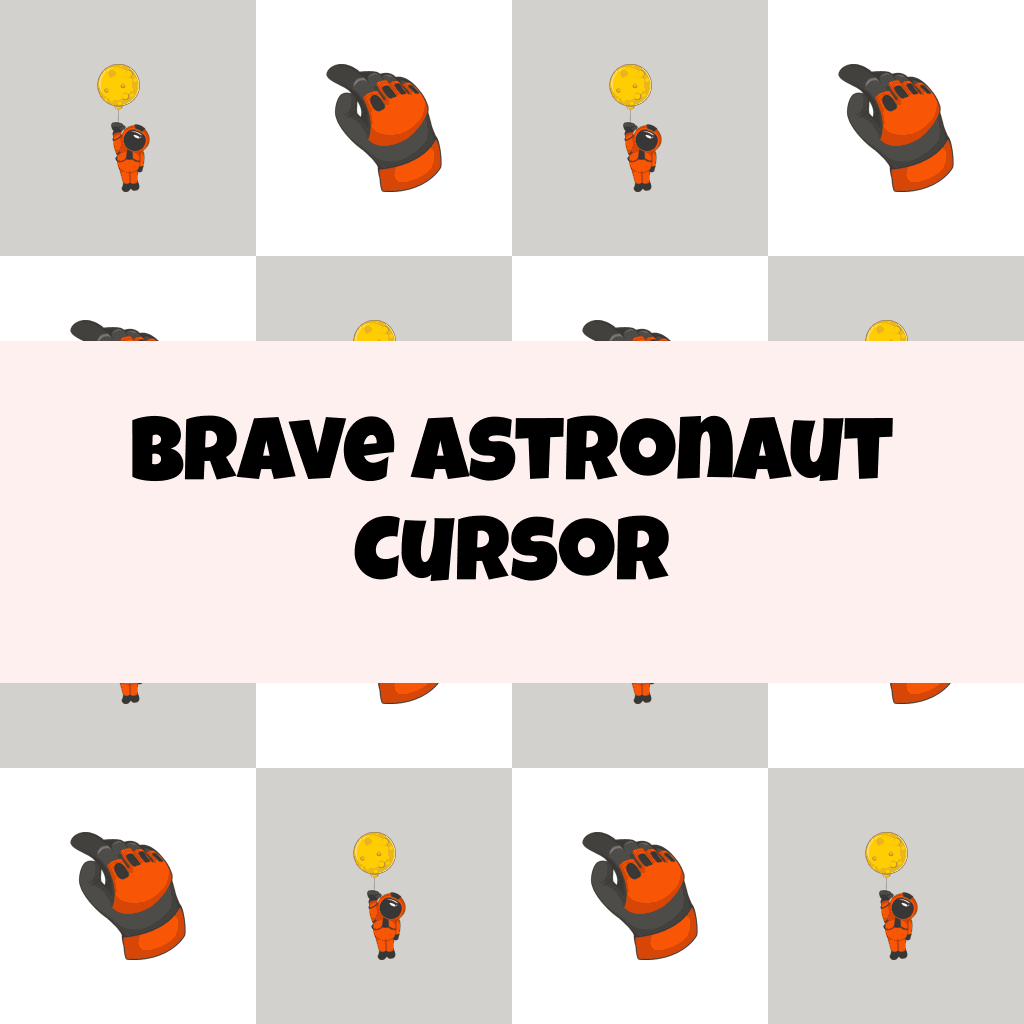
Preview Brave Astronaut cursor custom cursor pack
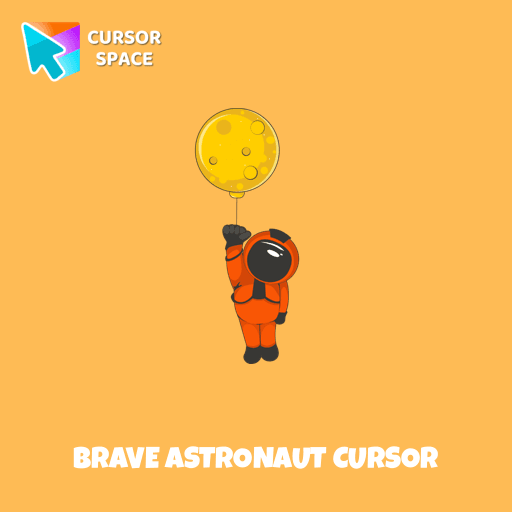
Brave Astronaut cursor arrow cursor
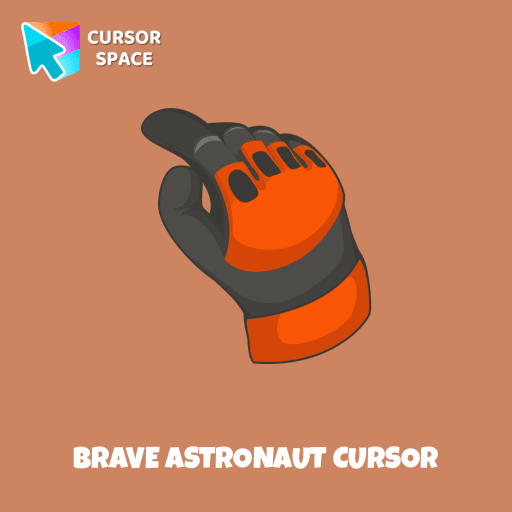
Brave Astronaut cursor pointer cursor

Description

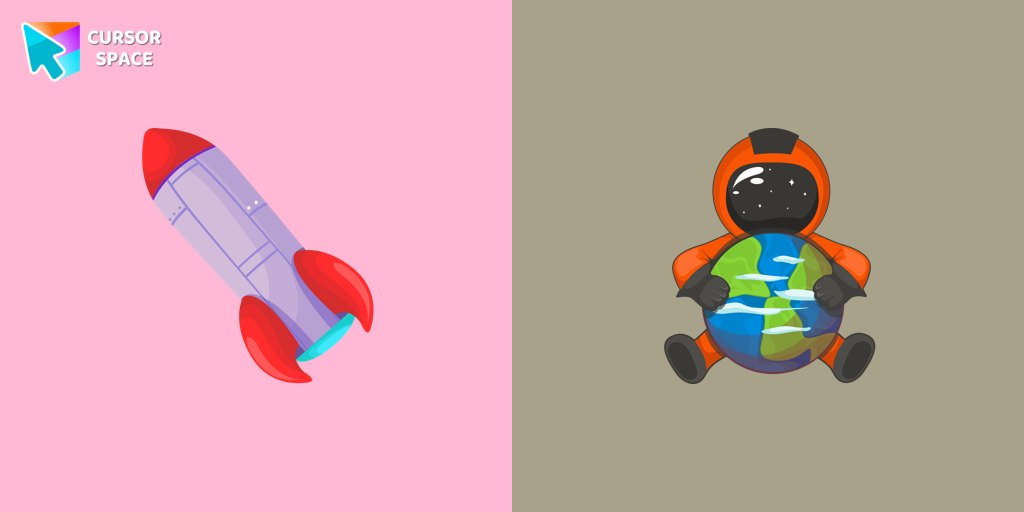
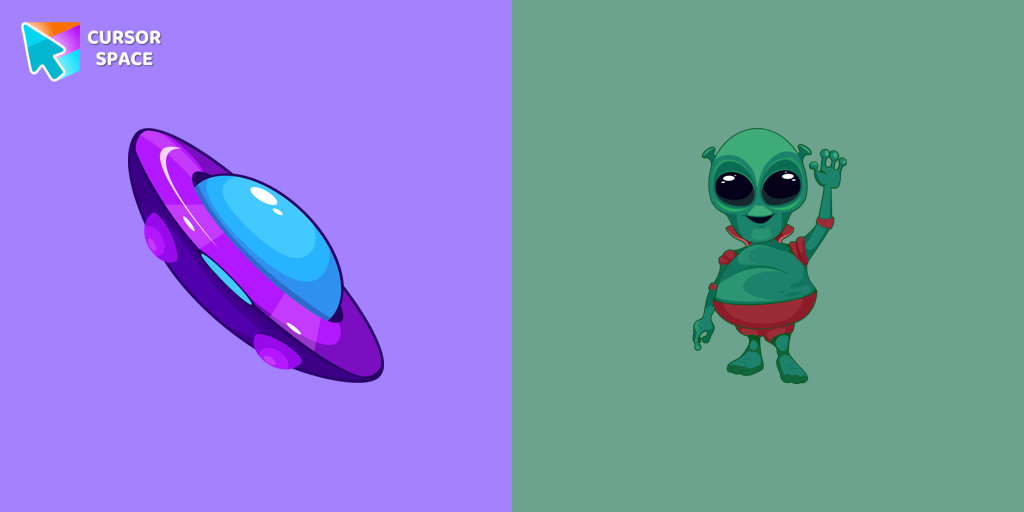
The moon landing is one of the greatest achievements in human history. We're giving our users the opportunity to immerse themselves in the world of space with our collection of custom cursors for Chrome. The well-designed Astronaut custom mouse cursor from our collection of custom space fiction mouse cursors.

What's included in the package

  • Default Cursor
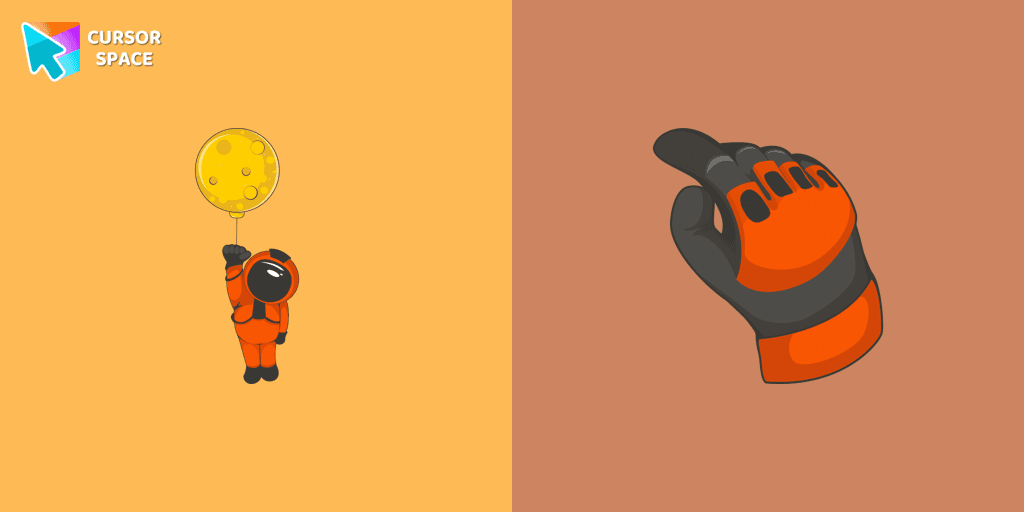
  • Pointer (Hand)

How to install a custom cursor pack Brave Astronaut Cursor
  1. Install the Cursor Space extension for Chrome or Cursor Space for Edge in your browser.

  2. On this page, click "Add this cursor pack to the extension".

  3. Open the extension and go to the Packs tab.

  4. Find the custom cursor pack "Brave Astronaut cursor" and click it.

  5. Enjoy!

Ready to install?

Get this cursor pack and thousands of others by installing our extension. It's fast and free!

About this cursor pack

Brave Astronaut Cursor is a themed cursor pack you can add to your browser to personalize your pointer across common cursor states (default and pointer). Use it for everyday browsing, streaming, studying, or gaming-anywhere you want your cursor to match your vibe.

Instant preview

See how the cursors look before installing.

Easy install

Add the pack to the extension in a few clicks.

Works in your browser

Designed for Chrome and Edge via the extension.

FAQ

Quick answers to common questions about cursor packs, collections, and installation.

Do I need an extension?

Yes. To apply cursor packs in Chrome or Edge, install the Cursor Space extension and add this pack to it.

Which browsers are supported?

Cursor packs are designed for Chromium browsers like Chrome and Microsoft Edge.

How do I switch back to the default cursor?

Open the extension, choose another pack or disable the current one to return to your default cursor.

Popular cursors today

Custom cursor and packs - neon, anime, pixel art. Quickly add to Chrome and Microsoft Edge for free

  • TOP 1
    Bibata Modern Classic Cursor

    Bibata Modern Classic Cursor

    (445)
    Free

    Enhance your desktop with Bibata Modern Classic Cursor - a stylish custom cursor that combines elegant design with classic comfort for everyday use.

  • TOP 2
    Mechanical cursor

    Mechanical cursor

    (247)
    Free

    Upgrade your desktop with the Mechanical custom cursor, a sleek blend of technology and elegance for a futuristic browsing experience.

  • TOP 3
    Ruby cursor

    Ruby cursor

    (1.3k)
    Free

    Ruby custom cursor for Google Chrome helps you track text input and operations in Ruby coding. Improve text processing and editing efficiency with ease.

  • Naruto Uzumaki cursor

    Naruto Uzumaki cursor

    (213)
    Free

    The Naruto Uzumaki custom cursor for Google Chrome lets fans personalize their browsing experience with an iconic mouse pointer featuring Naruto himself.

  • Loki cursor

    Loki cursor

    (189)
    Free

    The Loki custom cursor for Google Chrome brings the mischievous charm of the Marvel anti-hero to your screen, adding a playful touch to your browsing experience.

  • Iron Man cursor

    Iron Man cursor

    (314)
    Free

    Upgrade your browsing with the Iron Man custom cursor for Google Chrome. This sleek and futuristic design adds a touch of sophistication for superhero fans.

  • Among Us Super Mario Character cursor

    Among Us Super Mario Character cursor

    (191)
    Free

    In the vast array of cursors available, let's not overlook the vibrant red Super Mario characters.

  • Oreo white cursors

    Oreo white cursors

    (185)
    Free

    Upgrade your interface with Oreo White Cursors. Enjoy a clean, custom cursor design that complements any digital environment.

  • Oreo spark light pink cursors

    Oreo spark light pink cursors

    (195)
    Free

    Discover Oreo Spark Light Pink custom cursors for Chrome. Add a feminine touch to your desktop with these elegant, soothing designs.

  • Mars Texture cursor

    Mars Texture cursor

    (172)
    Free

    Upgrade your browsing with a custom cursor inspired by Mars from our Texture collection. Discover the ideal custom cursor for Google Chrome and explore in style.

  • Among Us Black Panther Character cursor

    Among Us Black Panther Character cursor

    (198)
    Free

    The Black Panther character cursor has become a highly sought-after customization option in Among Us.

  • Welsh Corgi Pixel cursor

    Welsh Corgi Pixel cursor

    (213)
    Free

    Meet the happy Corgi Pixel cursor for Chrome in a Cute Pixel custom cursors collection for mouse and pointers.

Collection hits

Installation leaders from "Custom Space Cursors": free packs, neon/anime/pixel art, quick add to Chrome and Edge.

  • TOP 1
    Uranus Planet cursor

    Uranus Planet cursor

    (24)
    Free

    Discover Uranus with a custom cursor for Google Chrome. Explore the galaxy with our Space custom cursors collection, bringing the cosmos to your screen.

  • TOP 2
    Astronaut cursor

    Astronaut cursor

    (21)
    Free

    A well-designed custom cursor in the form of a constellation, from our fantastic collection of solar system cursors with planets and space.

  • TOP 3
    Friendly Alien cursor

    Friendly Alien cursor

    (16)
    Free

    A well-designed custom cursor in the form of a flying UFO, from our fantastic collection of solar system cursors with planets and space.

Install Cursor Space - A Collection of Custom Cursors for Chrome & Edge

Add packs instantly and unlock access to thousands of cursors: neon, anime, pixel-art, and more. Fast, safe, and free.

  • Free cursor packs
  • HD/HiDPI & animated icons
  • Quick browser installation

Cursor Space is an extension for changing your mouse cursor in Chrome and Edge browsers: themed collections, HiDPI icons, neon, animated, and pixel cursors, with quick installation.

Install Extension

To use packs with one click, you need our free browser extension. Install it and come back!